Introduction
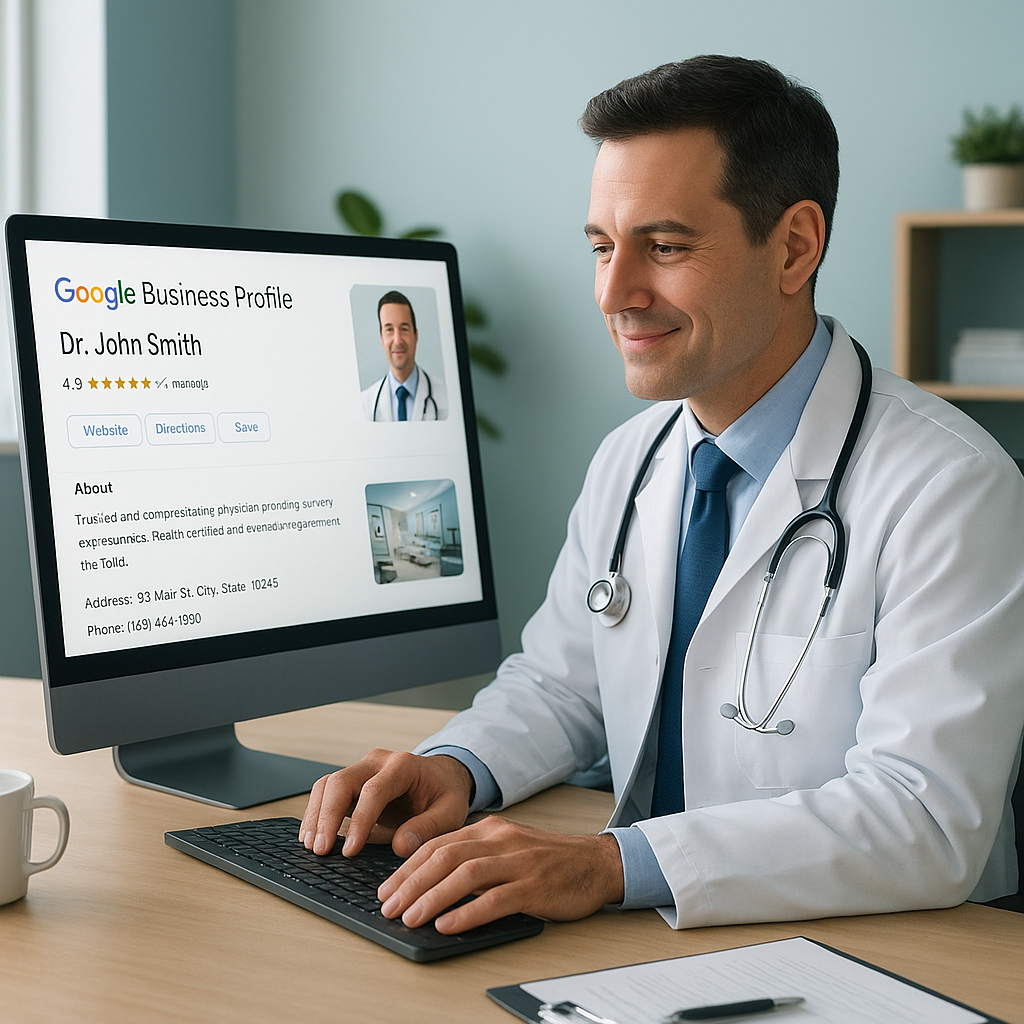
In today's digital age, optimizing your Google Business Profile is crucial for physicians looking to enhance their online presence and attract more patients. Many healthcare providers struggle with visibility in search results, which can impact patient acquisition and retention. Understanding how to effectively manage your Google Business Profile can significantly improve your practice's visibility.
Google Business Profiles provide potential patients with crucial information about your practice, such as location, hours, and patient reviews. Proper optimization of your profile ensures that this information is both accurate and appealing, helping you stand out in a competitive healthcare market.
Claim and Verify Your Profile
Before you can optimize your profile, ensure it is claimed and verified. This step is essential, as it grants you control over your practice's information displayed on Google.
How to Claim Your Profile
- Search for your practice on Google Maps.
- Select your business and click on 'Claim this business.'
- Follow the verification steps, which often include receiving a postcard from Google with a verification code.
Optimize Business Information
Accurate and comprehensive business information helps patients find and connect with your practice more easily.
Keep Your Information Updated
- Ensure your practice's name, address, and phone number (NAP) are consistent across all online platforms.
- Update business hours, including holiday hours, to reflect when you are available.
Utilize the Description Field
In the description field, succinctly describe your practice, specialties, and what sets you apart from others.
Encourage and Manage Patient Reviews
Patient reviews influence potential patients' decisions. Actively seeking and managing reviews can enhance your reputation.
Request Reviews
- Politely ask satisfied patients to leave a review on your profile.
- Provide easy-to-follow instructions on how to leave a review.
Respond to Reviews
Engage with your patients by responding to their reviews, both positive and negative, to show you value their feedback.
Utilize Photos and Posts
Visual content and regular updates can significantly enhance your profile's appeal and engagement.
Add High-Quality Photos
- Include images of your practice, staff, and any unique facilities or equipment.
- Ensure images are professional and accurately reflect your practice environment.
Use Google Posts
Regularly update your profile with posts about new services, health tips, or practice announcements to keep your audience engaged.
FAQs
Why is it important to verify my Google Business Profile?
Verification ensures that you control your practice's information, preventing unauthorized changes.
How often should I update my business information?
Regularly check and update your information, particularly if there are changes in services, hours, or contact details.
What types of posts are effective on Google Business Profiles?
Posts about new services, health tips, and practice announcements tend to engage audiences effectively.
How can I get more patient reviews?
Encourage satisfied patients to leave reviews by providing simple instructions and emphasizing its importance.
What should I do about negative reviews?
Respond professionally, addressing any issues raised and demonstrating your commitment to patient satisfaction.
Conclusion
Optimizing your Google Business Profile is a practical step toward improving your practice's online visibility and engaging with potential patients. By ensuring accurate information, encouraging reviews, and utilizing photos and posts, you can create a profile that stands out and effectively communicates your practice's value. Regular updates and active management of your profile will help maintain a positive online presence.